How to prepare for a meeting offline and sync later
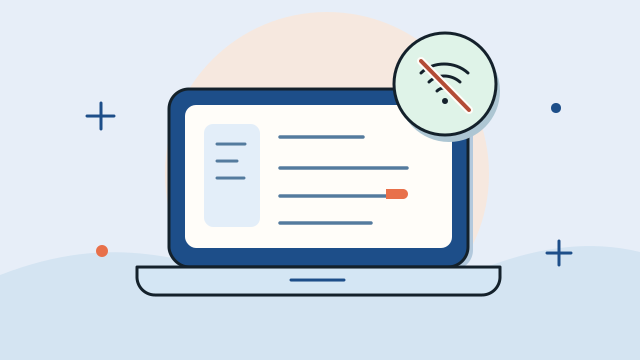
You’re on the train, the signal drops and your next meeting starts soon after you arrive. You want to add two agenda items and check the timing. If your meetings have already loaded on your device, you can keep working in Traktandli offline.
Open Traktandli online before you leave
Sign in on the phone or laptop you’ll have with you. Wait for your meeting list to load, then open the meeting you want to work on. If you plan to switch devices later, load your meetings online on the other device too.
Check which documents you’ll need. A linked website or a file from another service may be unavailable offline. If you need a figure from a supplier’s quote, note it under the relevant agenda item before you leave.
Use the journey to add questions and check timing
Add agenda items on the way and write down open questions in the discussion notes. Check whether five minutes is enough for the budget conversation and which item could wait until the next meeting if time is tight.
Traktandli shows a notice when you’re offline and queues changes on that device. Add small updates to the relevant agenda item as they occur to you so you don’t need to copy them over from another app later.
Check the sync before switching devices
Open Traktandli again when you’re online and wait for your changes to sync. Check the sync status before you carry on from a second device. If you’re about to share the updated schedule, take a moment to check the meeting and its agenda items.
Load the meeting before you leave and check the sync once you’re back online.